22 display modes
Choose Static or Flicker
Compare solid-color displays with two- and three-frame mixtures, including per-scanline palettes and cartridge-assisted sprites.
Turn a picture into an Atari 2600 image: compare static and flickering display modes, fit the image to its palette, and export a cartridge ROM or MovieCart still-image stream.
Atari 2600 Image Optimizer is the new name for the Python continuation of Chrono2. It turns pictures into Atari image data, with a choice between solid-color displays and colors mixed across successive frames.
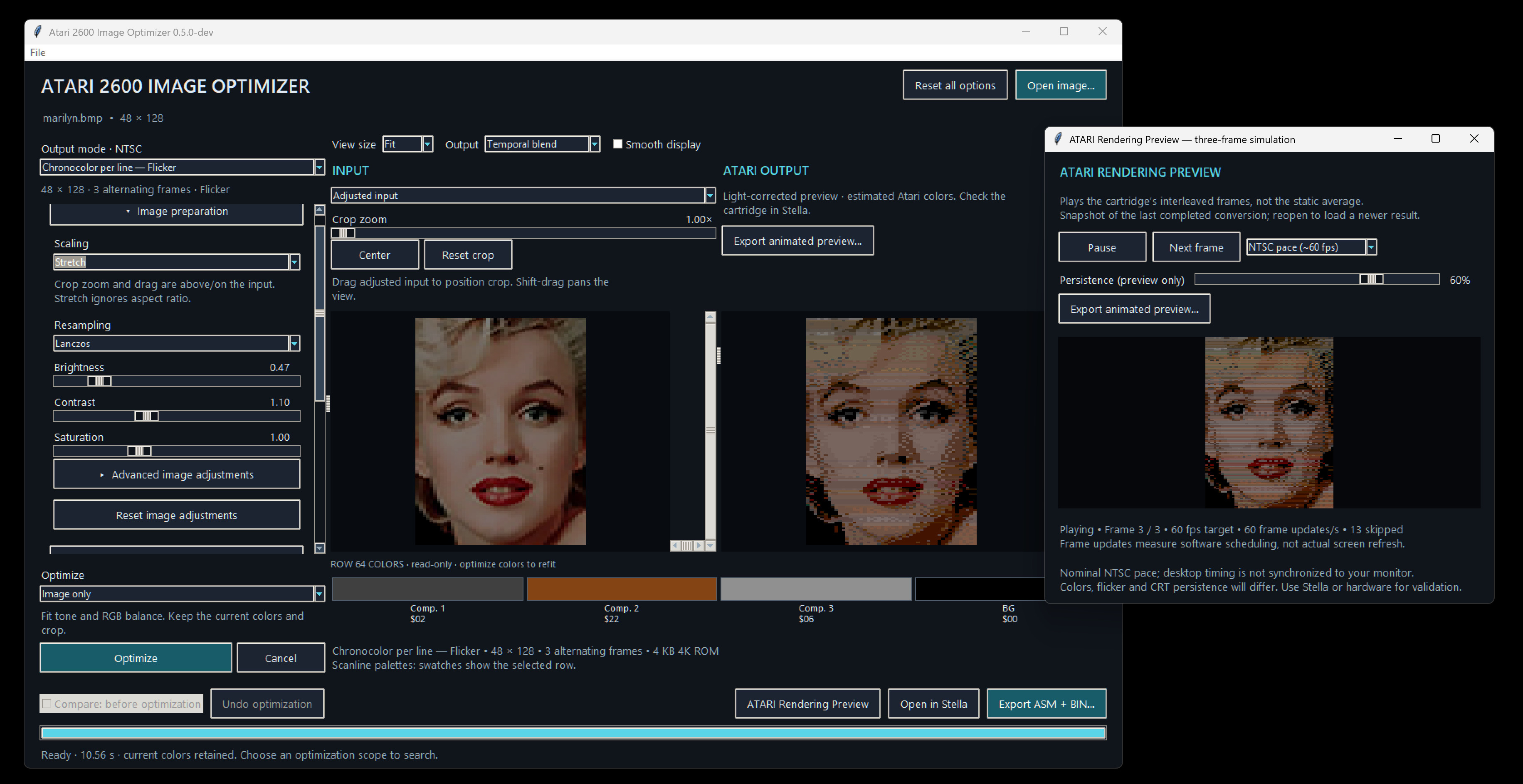
The workbench brings cropping, image adjustments, palette search and dithering together with an output preview. Its 22 modes range from the original 48×128 Chronocolour display to 128×200 bus stuffing, per-scanline palettes, playfield graphics, cartridge-assisted sprites and MovieCart still frames. Each mode is labeled Static or Flicker.
 Click to enlarge ↗
22 display modes
Compare solid-color displays with two- and three-frame mixtures, including per-scanline palettes and cartridge-assisted sprites.
Input and output together
Choose whether optimization may change the image, the palette, or both. Compare and undo the result.
See the actual frames
Inspect frame cycling, save animated WebP previews, and export ASM/BIN or a MovieCart still-image stream.
A new Python interface walkthrough and running-ROM demonstration are planned. No historical YouTube video is available.
Version 0.6.0 includes a portable Windows x64 application and Python source, 22 output modes, faster palette fitting with prebuilt color tables, taller output options, and dither-aware row searches. The standalone runs without installing Python. The Demo Carts tab pairs 11 supplied cartridge examples with previews and individual BIN downloads; a complete ZIP is available under Downloads.
Automated conversion and GUI checks pass. Independently assembled DASM output matches exported cartridge bytes. Stella checks verify visible pixels, alternating-frame order and 262-line NTSC timing for the new display kernels. These are emulator checks; physical Atari, Harmony and MovieCart validation remains outstanding.
The original 2011 files remain preserved separately. The January 2011 start date, AtariAge discussions and historical examples below belong to that earlier work.
NTSC only. Colors, brightness, flicker and phosphor persistence vary between displays; the desktop rendering preview and optimization score are estimates, not a calibrated CRT simulation.
Frame balancing works within each display routine. It cannot remove temporal flicker, change MovieCart’s fixed field pattern, or make every pair of frames equally bright without changing the picture.
Palette and input searches are bounded heuristics. A better numerical score is not a guarantee of a better-looking picture.
Physical Atari and cartridge compatibility remains unverified. MovieCart requires its own playback format and hardware; BUS and television interlace are experimental. Optional BUS/DPC+/CDFJ+ cartridge support is downloaded from the upstream sources. The Windows x64 standalone is unsigned.
Test representative outputs on the intended Atari and cartridge hardware, with emulator and hardware results identified separately.
Record a walkthrough and running-output demonstration.
Select an image to enlarge it and browse the gallery.







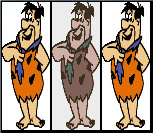
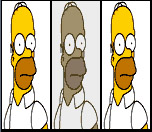
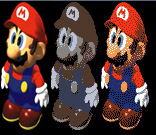
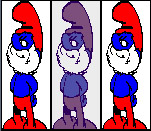
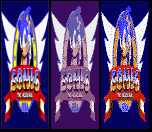

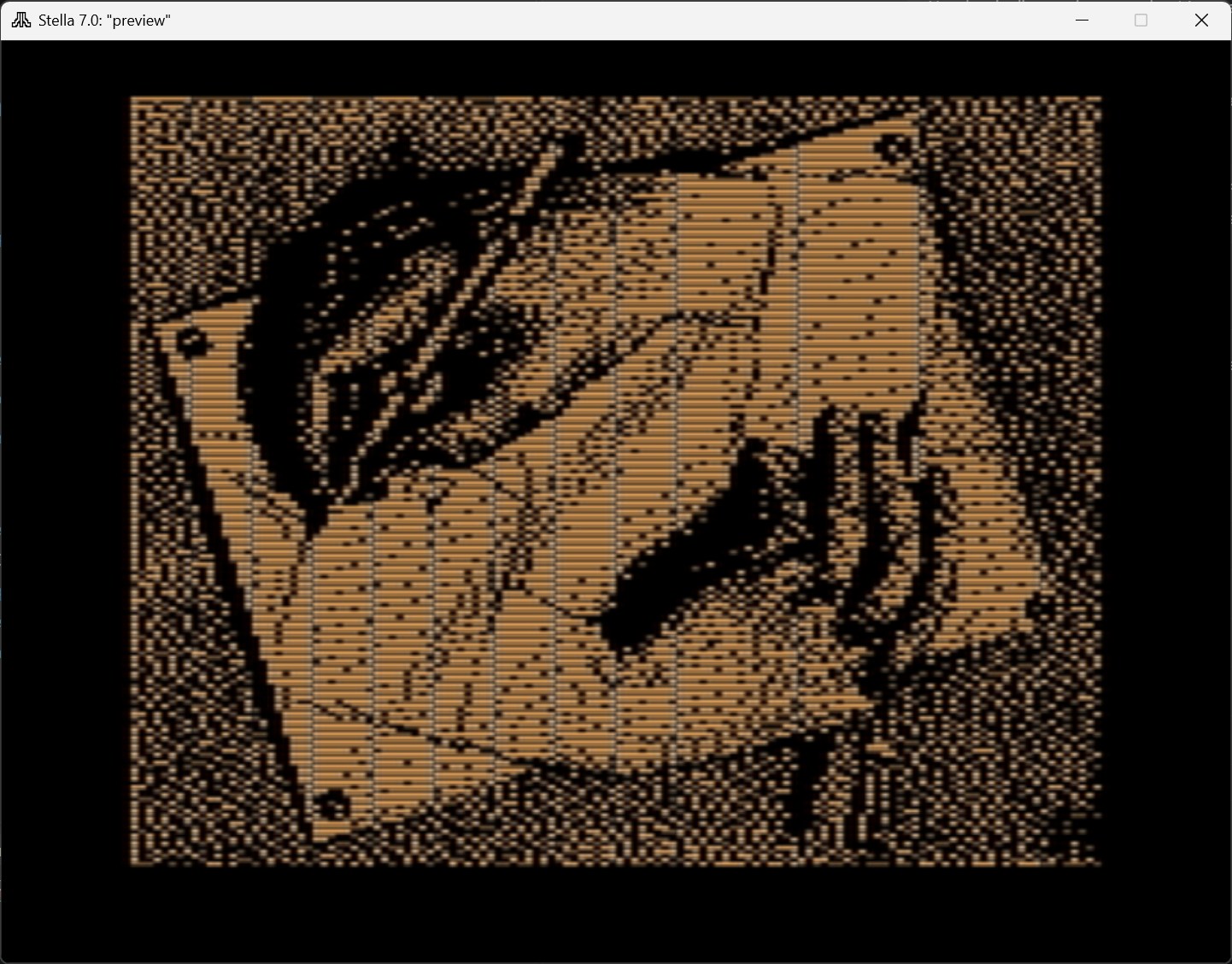
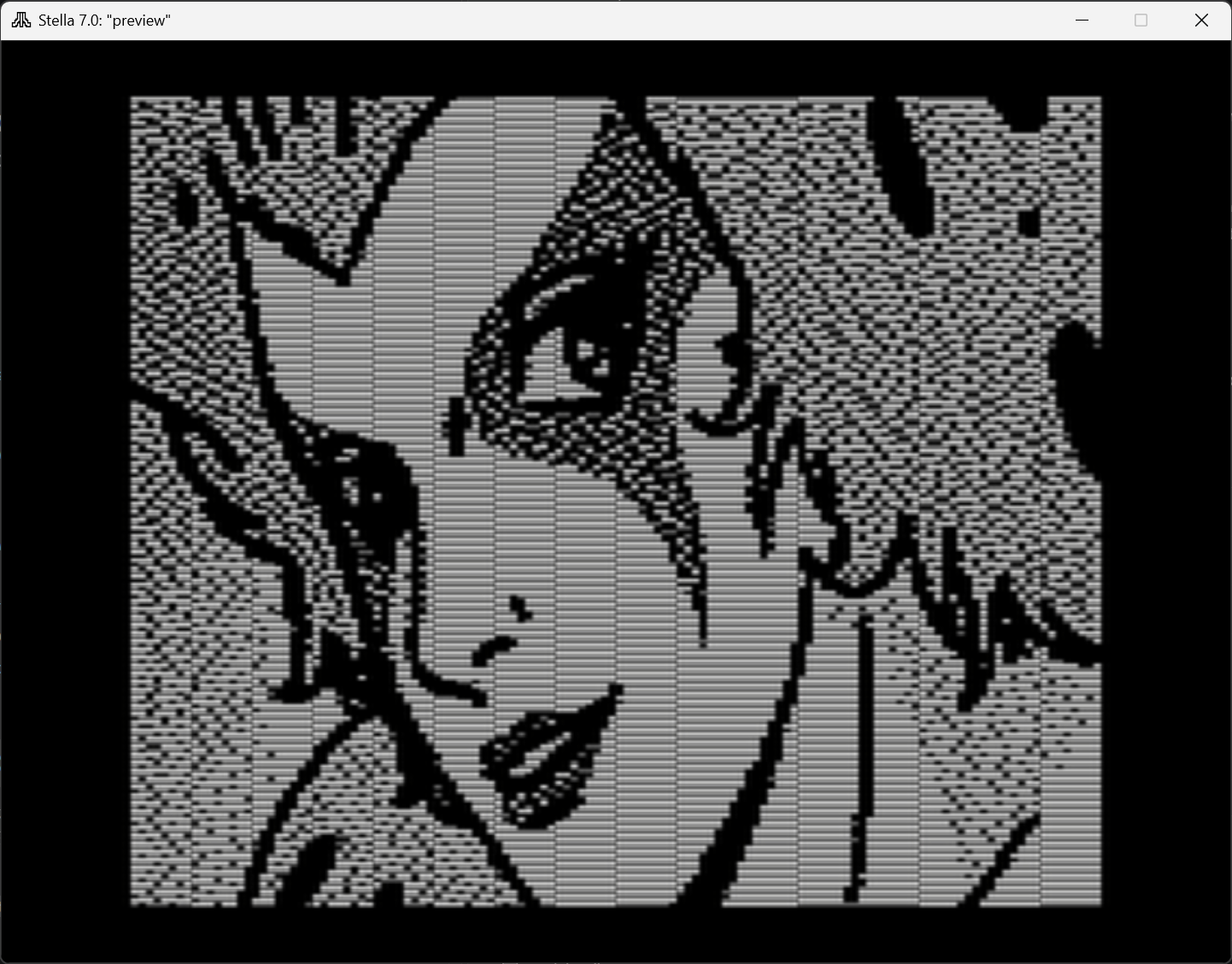
Select a preview to enlarge it, or download its cartridge BIN. These are the original supplied exports; older carts may differ from the current release. Animated previews illustrate frame cycling.
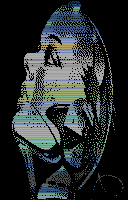










Import common image formats, zoom and drag to select a smaller part of the source image, choose resampling and dithering, and compare the output at different zoom levels. Brightness, contrast, gamma, saturation, sharpness and individual RGB gains remain directly adjustable.
Choose Colors only, Image only, or Image + colors, then Optimize. Colors only is the default. The selected scope makes clear which controls can change; compare the result with the previous conversion or undo it. Classic Chronocolor keeps its original RGB components and searches input brightness only when you click Optimize.
Flicker-aware optimization is enabled by default for temporal modes. It scores the blend, image detail and brightness differences between frames. Balance flicker frames redistributes equivalent pixels or scanline phases where the display routine permits it, preserving the blended image. Classic RGB keeps its original component colors.
Static choices include Two Color, Scanline Color, asymmetric playfield, Playfield Plus, multiplexed sprites, DPC+ and CDFJ+ sprites, and BUS displays. The two new 128×200 BUS modes offer a single foreground color or a foreground chosen separately for each row, with one shared background. Two Color and static Scanline Color also offer 48×192 alongside 48×128. Other choices include Hybrid playfield + sprites, a 96-pixel interleaved bitmap, and experimental television interlace.
The flexible three-frame displays are now called 8 color mode and 8 color per line mode. Both offer 48×128 and 48×192; the per-line version can choose a background for each row while keeping the area outside the picture black. Static Scanline Color tests foreground/background pairs with the selected error diffusion in the search. Two-frame versions of Two Color, Scanline Color and the sprite modes provide another color/flicker tradeoff. MovieCart keeps its fixed alternating-cell pattern.
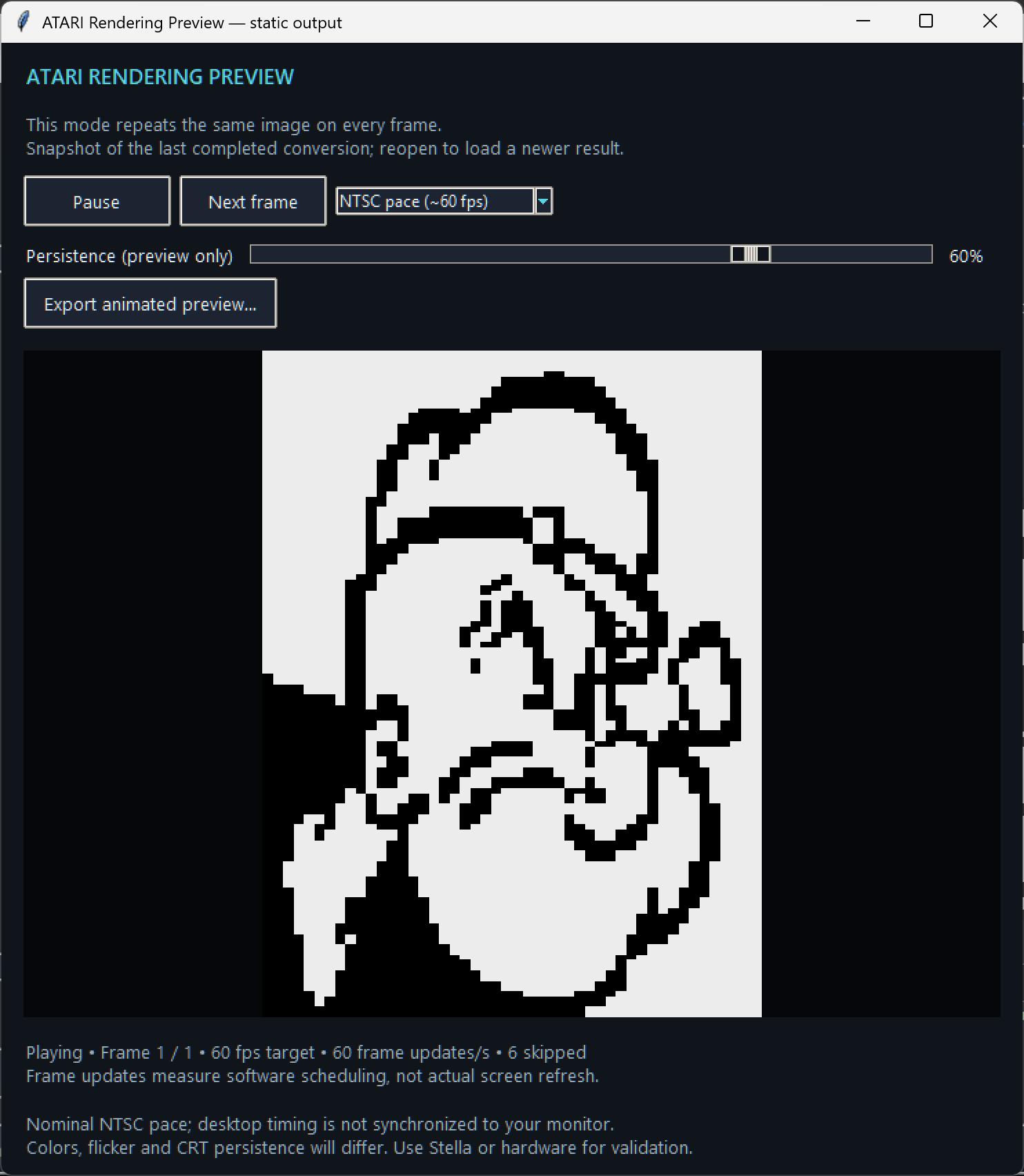
ATARI Rendering Preview shows the actual stored frames, with adjustable playback speed and an illustrative persistence effect. Cartridge modes export assembly and BIN directly. MovieCart exports a silent 30-second MVC still-image stream for MovieCart-compatible playback; it is not a Harmony ROM. Export animated preview saves a looping WebP for sharing, with selectable playback speed, persistence and size; static modes save a still image.
The Windows x64 standalone includes Python and the image libraries. Extract the entire ZIP and launch the EXE. BUS, DPC+ and CDFJ+ cartridge exports require a one-time download through Setup cartridge support.cmd; those files are verified against pinned checksums. Other modes work offline immediately. A separate Python source package is also available.
The historical Windows converter accepts 48×128 BMP files. Its intended display has pixels twice as wide as they are tall: the original instructions recommend resizing to 96×128 first, then compressing the width to 48 pixels. The input belongs in the converter’s directory.
Chrono2 produces a named .ASM file, image data in BANK00.asm, and MAKE.BAT. Running that batch file invokes DASM to assemble the .BIN cartridge image. The recovered first release includes 4 KB example ROMs. FreeBASIC builds the Windows converter; DASM builds its Atari output.
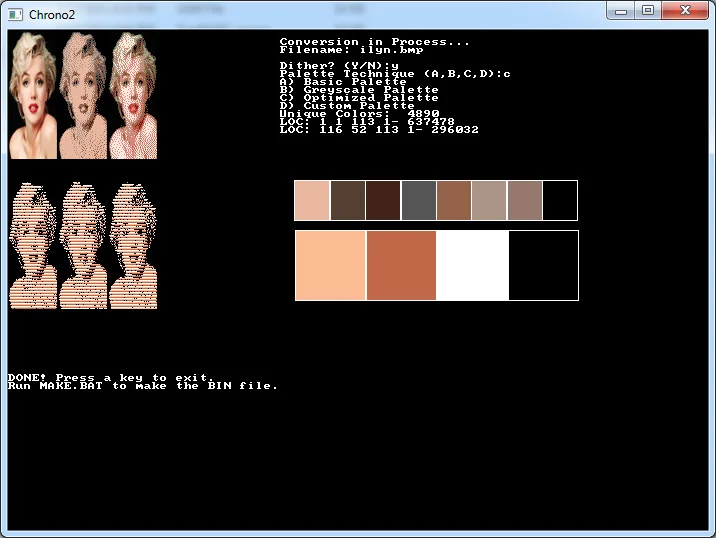
Chrono2: first public releaseThe first release provides Basic, Grayscale, Optimized and Custom palette modes, each with a dithering choice. Basic aims at the original Chronocolour colors. Optimized searches for a suitable mixture, while Custom lets the user select a background and three component colors.
The January 23 update adds a palette-diversity preference, a broader grayscale search, and a brute-force mode that dithers candidate palettes before comparing them. The release post warns that brute-force conversion can take hours without producing a noticeably better result.
Chrono2: first public releaseA closer numerical color match can still flatten a face or lose shading. The original discussion compares Mario conversions, palette variety and the effect of different dithering methods. Chrono2 uses Floyd–Steinberg dithering; the comparison with Andrew’s original method raised questions about noise, detail and brightness.
Those comparisons are a useful starting point for a new version: preserve a reproducible historical result, then judge improvements against the same images and the running ROM. A still picture cannot establish how much the display flickers.
Palette quality, dithering and example comparisonsThe larger ambition was to choose a different palette on each scanline. That remained a proposal in the original thread, not a demonstrated feature of the released converter. Andrew explained that the display routine already consumed its 76-cycle scanline budget; loading variable colors would require a different implementation.
Later local files named Chrono3 survive, but their behavior and relationship to the released versions still need to be established. They are candidates for investigation, not evidence that the scanline proposal was completed.
Why per-scanline colors needed a different display routineChrono2 is derived from Andrew Davie’s Interleaved Chronocolour and Greeting Cart work. His display code makes the Atari image possible; this project adds bitmap conversion, palette selection and experiments around that foundation. Andrew also contributed detailed feedback in the development thread.
The surviving GreetingCart.asm retains Andrew’s 2003 attribution and its acknowledgements to Eckhard Stohlberg and Thomas Jentzsch. Those credits belong with both the restored source and any future release.
Chronocolour Enhancement — original development threadCATCH-UP OVERVIEW · STATUS AS OF October 2, 2026
The public discussion began on January 1, 2011 with a question about Andrew Davie’s Greeting Cart: what would happen if its component colors were chosen for the source picture instead of always using red, green and blue? The same opening post proposed a more ambitious palette for every scanline.
On January 17, Chrono2 was posted as a Windows converter with four palette choices, optional dithering and a MAKE.BAT route to a cartridge ROM. Example carts accompanied the release, and a separate “New Graphics for 2600” thread shared a gallery with the wider Atari community.
The following discussion tested the idea against actual pictures. Andrew challenged the quality of the converted samples, particularly the shading and detail in Mario. The exchange led to experiments that favored a wider use of the available colors and considered different backgrounds, rather than relying only on the lowest color-distance score.
The January 23 release added the diversity option, a revised grayscale search and a slow brute-force mode. Work on variable scanline colors continued in the discussion through February, but the timing constraints in the display routine remained unresolved there.
The recovered collection contains both release ZIPs, loose FreeBASIC source, assembly templates, output ROMs and later Chrono3 experiments. The original executable remains the historical reference. Further development now continues in a Python GUI, with the old files preserved separately.
2026-10-11 · 0.6.0
Version 0.6.0 adds two 128×200 bus-stuffing modes and 48×192 options for several existing displays. The flexible three-frame modes are now called 8 color mode and 8 color per line mode; per-line backgrounds can fill the picture while the surrounding border stays black.
Palette fitting now uses prebuilt mixed-color tables, and row-color searches account for dithering as they choose colors. Colors only is the default optimization scope. Classic Chronocolor adjusts brightness only when Optimize is clicked.
The release includes Windows x64 and Python source packages. Three new output images join Examples, and the new Demo Carts tab provides 11 previews with matching BIN downloads and a complete ZIP. These supplied carts are preserved unchanged from their original exports; physical hardware testing remains outstanding.
2026-10-10 · 0.5.1
The new silver-and-color-pixel logo now appears on the website, in the workbench and on GitHub. Version 0.5.1 adds the matching Windows icon and a Help → About window; image conversion and cartridge output are unchanged.
2026-10-05 · 0.5.0
Version 0.5.0 runs on Windows without a separate Python installation. The workbench now separates image fitting from color search, adds crop zoom, and provides twenty Static and Flicker modes.
The new animated examples show exported WebP previews alongside the latest Marilyn Monroe interface capture. Error diffusion has also been corrected to prevent excess color error from spreading into black borders.
Download the portable Windows x64 ZIP or the Python source package. Optional cartridge support still comes from its original upstream sources; physical Atari and cartridge testing remains outstanding.
AtariAge · January–February 2011 · Historical development
Original proposal, release packages, examples and technical discussion with Andrew Davie.
AtariAge · January 17, 2011 · Historical development
Four palette modes, input requirements, original interface and downloadable packages.
AtariAge · January 19–21, 2011 · Historical development
The gallery and ensuing comparison of brightness, shading, palette diversity and dithering.
AtariAge · January 23, 2011 · Historical development
Diversity preference, grayscale search and the expensive brute-force mode.
AtariAge · February 7–8, 2011 · Historical development
Andrew Davie explains the scanline timing constraint; subsequent posts continue the investigation.
AtariAge · January 17–19, 2011 · Historical examples
Separate public gallery announcement and community responses.
LATEST DEVELOPMENT DOCUMENTATION
Live from GitHub’s default branch. This may describe features newer than the downloadable release.
Open this tab to load the README.
Download Windows standalone v0.6.0 (x64) — Portable Windows application with Python included. Extract the whole ZIP and run the EXE. Optional cartridge support uses the included setup tool.
Download Python source package v0.6.0 — Python source and Windows launcher. Requires Python 3.12 or newer.
v0.6.0 release notes — Changes, setup instructions, SHA-256 checksums and validation limits.
Download all 11 demo carts (BIN ZIP) — Original supplied cartridge files, unchanged. Individual BIN downloads and previews are in Demo Carts.
Source and documentation on GitHub — Maintained Python application, cartridge generators, tests and acknowledgements.
Historical Chrono2 release — January 17, 2011 — Original AtariAge release post with Chrono2.zip and example carts. This historical FreeBASIC application is separate from the new Python build.
Historical Chrono2 V2 — January 23, 2011 — Original update post with Chrono2V2.zip and its palette-search changes. AtariAge may require sign-in for attachments.
Comments
Questions, suggestions, or something you’ve tried with Atari 2600 Image Optimizer? Join the conversation.
On-page comments are not open yet.